


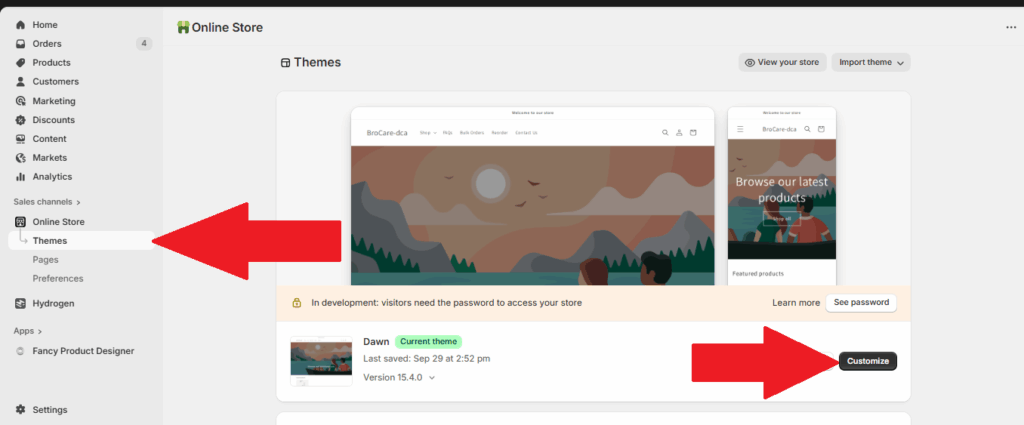
- First, go to Themes page in Shopify Admin Panel. Select the Customize button.
- The Store Locator feature can only be used in pages that are categorized in Pages. For this example we will be selecting the Pages > Contact at the page navigator located at the middle of the screen:
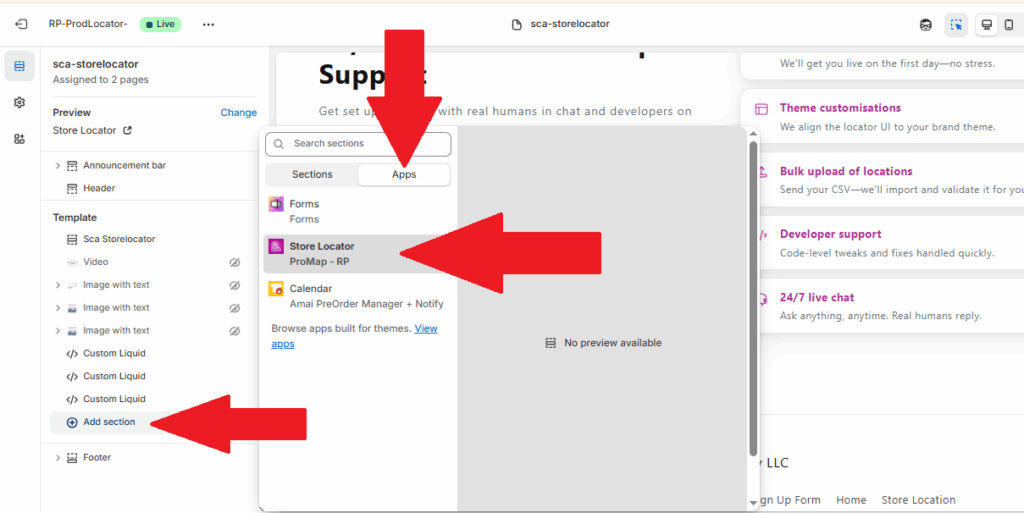
- Next, select + Add section at the sidebar , Click the apps and proceed to select Localizador de tiendas located under apps (it might take a few seconds for it to load).
- Once Store Locator app is added, locate the button app block and click and drag it to the desired location.
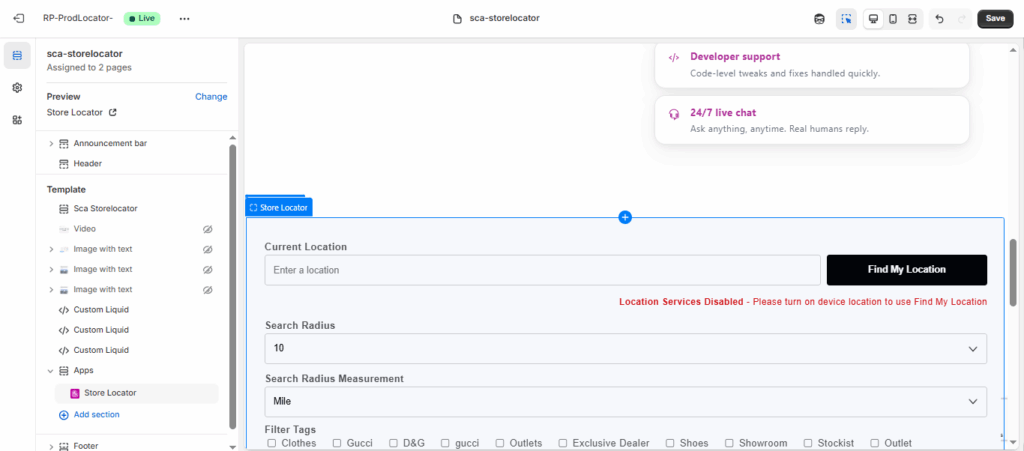
- Seleccionar Guardar to complete this process:

¿Cómo añadir un mapa de localizaciones de tiendas y una lista de distribuidores a las páginas existentes?
< 1 min read


Actualizado el 17 de noviembre de 2025