

Quick Tip: Show Only Customer-Facing Tags to Speed Provider Clicks
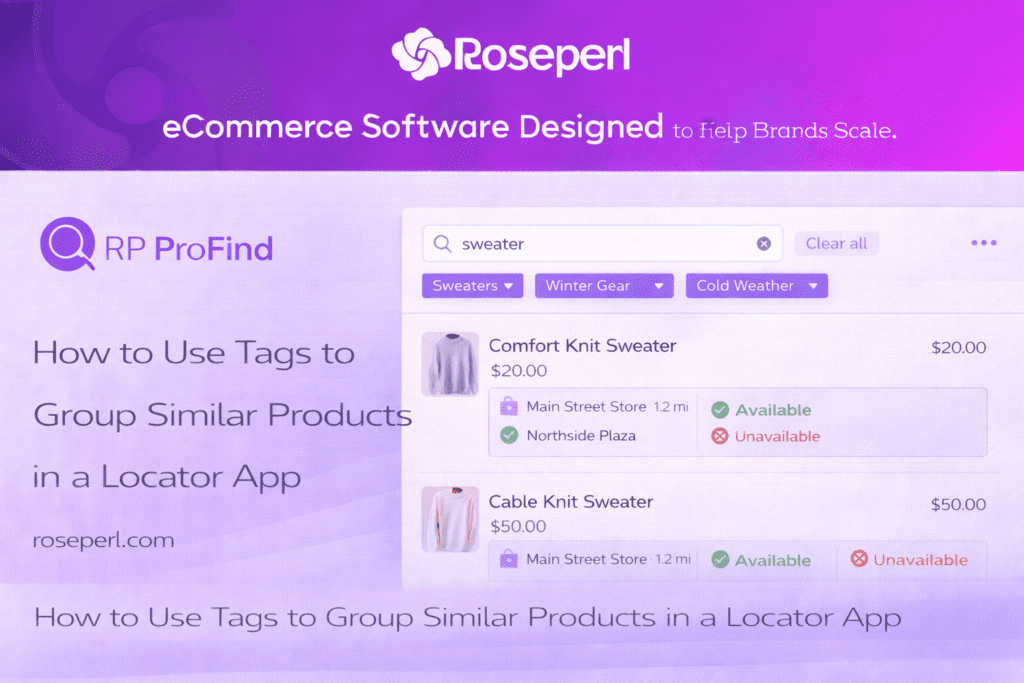
Cluttered tags slow down visitors ready to buy. When your Shopify store locator shows too many labels, shoppers hesitate and click less. Narrowing tags to only those customers recognize speeds their move from search to provider pages. This quick tip on ProMap tagging cuts the noise so your directory UX drives higher click-through rates and lifts conversion rate with less friction.
Simplifying Tag Usage for Faster Clicks
The Role of Customer-Facing Tags
Too many tags can confuse your shoppers, slowing their journey. By focusing on customer-facing tags, you can guide visitors directly to the right provider pages, making the experience smooth and intuitive. These tags act as signposts, helping users find what they need without unnecessary distractions.
When you focus on the right tags, you’re making a conscious choice to improve the user’s path. This means selecting tags that are recognizable and relevant to your audience. Your goal is to ensure that every tag you use serves a clear purpose: to lead visitors quickly from search results to their desired provider page.
Streamlining Search Results
A clean, organized search result is what your audience craves. When search results are streamlined, it enhances user satisfaction and encourages more interactions. Cluttered results can deter potential buyers, causing them to leave before even finding what they’re looking for.
The key to streamlining is simplicity. By reducing the number of tags, you eliminate noise, making it easier for shoppers to scan and decide. This approach not only speeds up their decision-making process but also increases their likelihood of returning due to a positive experience.
Enhancing Provider Page Navigation
Navigation is crucial for a seamless user experience on your Shopify store. By enhancing navigation with the right tags, you ensure visitors are guided smoothly from the search page to provider pages. This not only builds trust but also encourages users to spend more time exploring your offerings.
When navigation is intuitive, users can easily transition from one page to the next. The right tags act as a roadmap, ensuring that each click brings them closer to their goal. A thoughtful tagging strategy can significantly reduce friction, leading to higher conversion rates.
Practical Steps for ProMap Tagging

Before and After Tag Visibility
Visualize your directory both before and after cleaning up your tags. Initially, you might have an overwhelming list of labels, making it difficult for users to navigate. After streamlining, the tags should be clear and concise, directly reflecting user needs.
This transformation is key to improving user experience. When you focus on the right tags, users can find their desired provider faster, leading to increased satisfaction and higher click-through rates. A well-organized tag system is not just about aesthetics; it’s about efficiency and effectiveness.
Reducing Friction in Directory UX
Reducing friction is essential in any user journey. By simplifying your directory’s UX, you can create a path of least resistance for your users. This starts with optimizing your tags, ensuring they are not just numerous but also meaningful and intentionally selected.
Consider user intent when choosing tags. What are your visitors searching for? What labels will most effectively guide them? By answering these questions, you can tailor your tag strategy to meet user expectations, significantly reducing friction and enhancing the overall experience.
Boosting Click-Through and Conversion Rates
Boosting your click-through and conversion rates is the ultimate goal. By refining your tags, you can create a more targeted and efficient user journey. This leads to better engagement, as visitors are more likely to click through to provider pages when they can easily find what they’re looking for.
A focused tag strategy leads to both higher click-through rates and improved conversions. Users appreciate a streamlined experience where they can seamlessly move from interest to action. With the right tags in place, you can transform interest into conversions, driving your business success.
Engaging with Shopify and Affiliates
Benefits of the Store Locator Plugin
The Store Locator Plugin offers numerous benefits, from improving navigation to enhancing user experience. It’s a powerful tool that can help you organize your store’s offerings, guiding visitors through their shopping journey with ease.
By using this plugin, you can create a more intuitive path for your customers. The improved navigation not only delights users but also increases the chances of them visiting your provider pages and making purchases. It’s a simple yet effective way to boost your store’s performance.
Joining the Affiliate Program
Joining Shopify’s affiliate program provides a unique opportunity to earn reliable recurring revenue. As an affiliate, you can leverage the power of ProMap to attract more customers and enhance your store’s effectiveness. It’s a win-win situation, benefiting both your business and your clients.
This program is designed for those who want to grow their business through strategic partnerships. By becoming an affiliate, you gain access to exclusive resources and tools that can help you drive conversions and build a successful business in the eCommerce space.
Quick Start with ProMap Trial
Getting started with a ProMap trial is quick and easy. This trial offers a firsthand experience of how ProMap can transform your store’s navigation and user experience. It’s the perfect opportunity to see the platform’s capabilities in action.
Take advantage of the trial to explore how ProMap can benefit your business. From improving directory UX to boosting conversion rates, the trial provides valuable insights into the platform’s potential. It’s a crucial step in enhancing your Shopify store and achieving your business goals.
Frequently Asked Questions
What are customer-facing tags?
Customer-facing tags are labels used on your store locator that are easily recognized by users. They guide visitors seamlessly from search results to provider pages, enhancing navigation and reducing friction.
How can I reduce friction in my directory UX?
You can reduce friction by simplifying your tag system. Focus on using clear, relevant tags that align with user intent. This makes it easier for visitors to find what they’re looking for, improving their overall experience.
What is the benefit of using a store locator plugin?
A store locator plugin enhances navigation and user experience on your Shopify store. It helps organize your offerings, guiding users smoothly through their shopping journey and increasing the likelihood of conversions.
How can joining the Shopify affiliate program benefit my business?
Joining the affiliate program allows you to earn recurring revenue by promoting ProMap. It offers access to exclusive resources that help drive conversions and grow your business through strategic partnerships.
What should I expect from a ProMap trial?
The ProMap trial provides an opportunity to explore the platform’s features and benefits. It allows you to see how ProMap can improve your store’s navigation and user experience, helping you achieve your business objectives.


 English